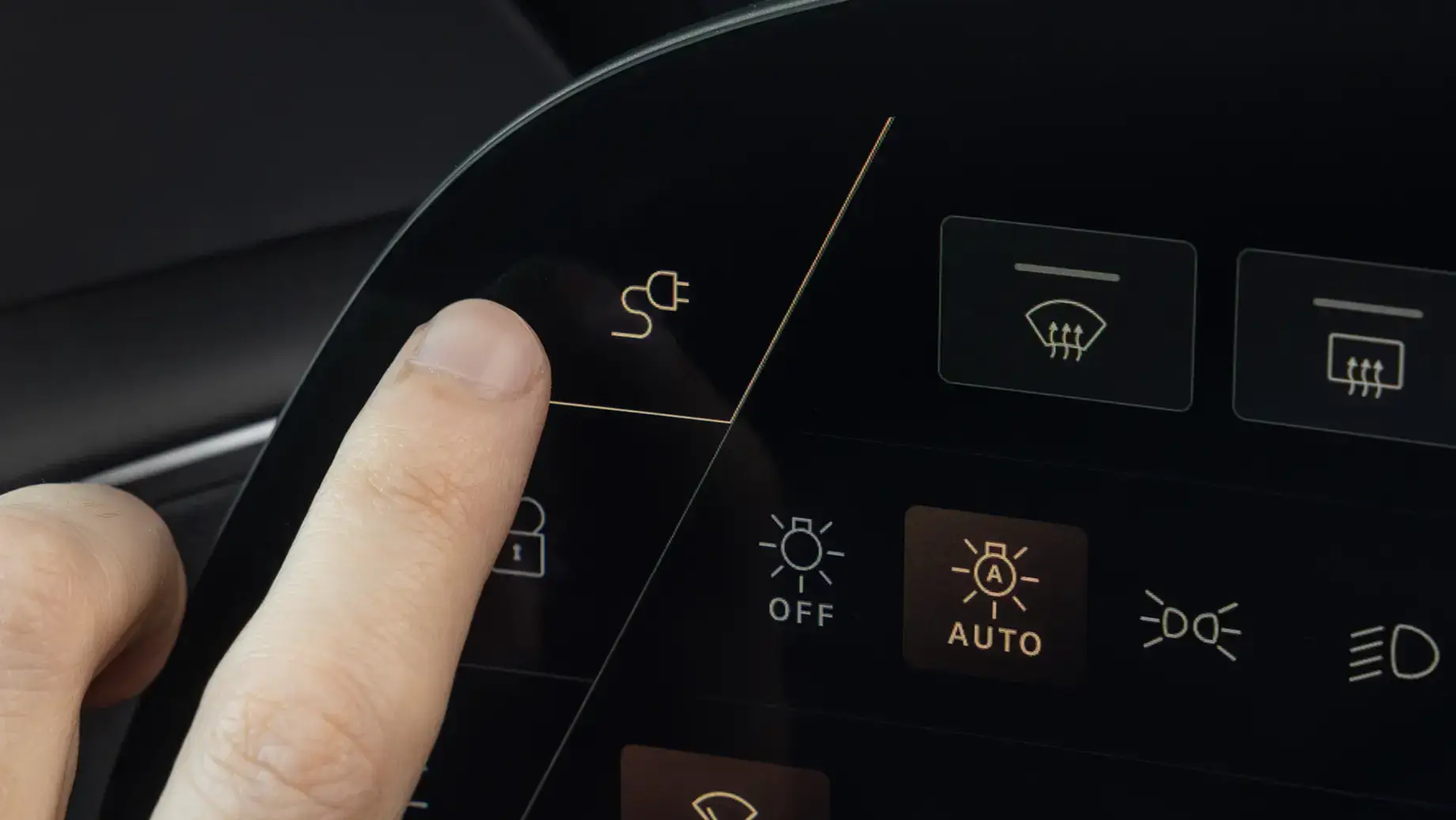
Find a public DC fast charger, confirm charging has started, and stop the session before unplugging.
The map opens centered on Texas, with DC Fast and CCS connectors selected. Public stations are included; stations labeled private are excluded. Level 1 and Level 2 are excluded from these map searches.
<aside> 🗺️
Open the Texas public DC fast-charging map
The map opens in a separate browser tab. Zoom into your city or route and select a station for details.
</aside>
Include NACS DC fast-charging locations in Texas only when you have a Lucid-approved DC charging adapter. A NACS pin does not confirm Lucid Air compatibility. Verify that the specific station supports your vehicle before traveling there. Lucid public-charging guidance
The public-access filter excludes stations recorded as private; it is not a guarantee of unrestricted entry. Check each listing for hours, gates, parking charges, and customer, resident, or employee restrictions. Public chargers on privately owned property may still appear.
Confirm the connector, required adapter, pricing, and current operating status with the charging network. The map’s station status does not guarantee a free stall or working charger. Confirm any adapter supplied with your rental.
For additional station details and recent driver reports, open PlugShare. Keep the search to DC fast charging, choose compatible plugs, enable Hide Restricted Locations, and leave Show Private Homes off. PlugShare filter guidance
Map source: U.S. Department of Energy AFDC. The default region is Texas; change the region filter for travel elsewhere.
Use CCS1 for DC fast charging. NACS DC fast chargers require the appropriate Lucid-approved DC adapter and station compatibility. Lucid charging instructions
Charge-port button on the left cockpit screen; screen appearance varies by software